
GDPR: Are your remote workers compliant?

It’s been years since GDPR came into force, way back in May 2018! Since then, it’s completely reshaped how businesses handle data – everything from cybersecurity to how that stack of printed invoices is stored (or… not stored!).
But here’s the thing: while offices have mostly got their systems in place, remote work has changed the game. And not everyone got the memo.
So, with hybrid and home working now the norm, it’s a good time to ask: are your remote workers GDPR compliant?
Does GDPR apply at home?
Short answer: Yes. Absolutely. No loopholes here.
In fact, working from home can increase the risk of data breaches if the right safeguards aren’t in place.
When you work from home, there might be:
- Papers left on the dining table.
- Shared WiFi networks.
- Devices used for both work and personal browsing.
Not exactly super secure.
And if something goes wrong? The consequences can be serious – fines, legal trouble, and damaging your company’s reputation.
What should a remote work policy for GDPR actually include?
If your policy is a bit vague, or non-existent, now’s the time to tighten things up.
At a minimum, it should clearly cover:
- Who is allowed to take documents home.
- What type of paperwork can leave the office.
- How documents should be transported.
- Who is allowed to print at home.
- How paperwork should be stored and disposed of.
- What to do if something goes missing.
- How to report a potential data breach.
The more specific, the better. Guesswork is not your friend when it comes to compliance.
Home security basics
You don’t need a full IT department at home – but a few essentials go a long way.
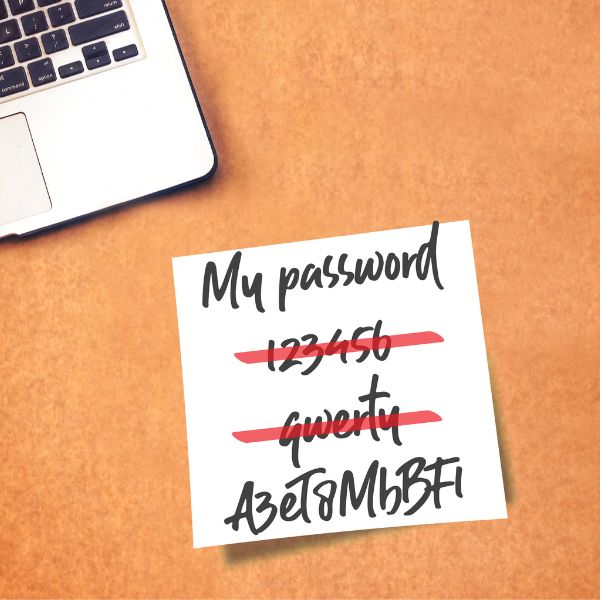
At the very least, remote workers should:
- Lock their screen when stepping away.
- Use a secure WiFi network (no dodgy open connections).
- Enable strong passwords (we use LastPass to create and store all our company passwords).
- Turn on 2-factor authentication (2FA) wherever possible.
For businesses, it’s also worth considering:
- VPNs to secure connections.
- Device monitoring tools to spot unusual activity.
- Enforced encryption on company devices.
It’s all about reducing risk without making work impossible.
When it comes to GDPR, the right equipment isn’t a “nice to have” – it’s essential.
We’re talking about:
Do I really need to shred documents at home?
Yes! One of the biggest misconceptions about GDPR is that it only applies to digital data. It doesn’t.
Printed documents containing personal or sensitive information need to be disposed of securely – whether they’re printed in the office or at home.
That means no:
- Tossing documents straight into the bin.
- Leaving paperwork lying around.
- “I’ll deal with it later” piles.
A good-quality shredder can make all the difference here.
Tips for choosing the right shredder:
- Usage level: Occasional use vs regular shredding.
- Material handling: Can it shred staples, paperclips, cards?
- Security level: Shredders are rated from P-1 to P-7.
- The higher the number, the smaller (and more secure) the shred.
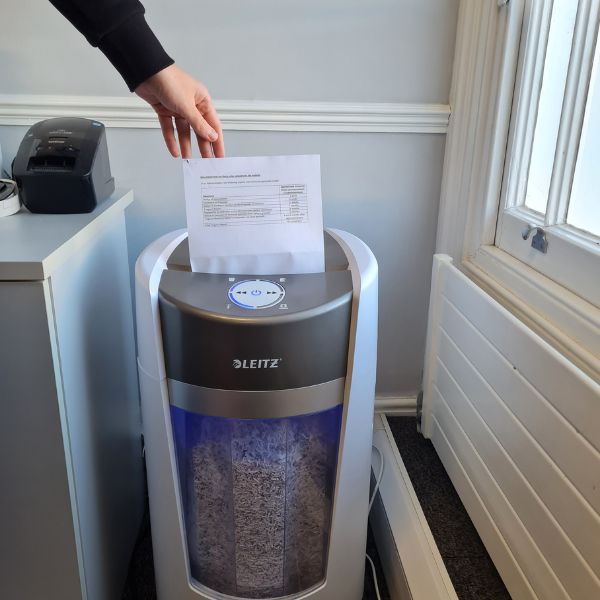
For most home offices, a compact, reliable shredder with a decent security level (P-1 or P-2) will do the job nicely. And for an average small business in the UK P-3 or P-4 are what you’re shopping for. In some instances, P-5 level security would be needed, which essentially turns your paperwork into dust.
View our blog post on paper shredding and how to make the right choice.
The bottom line
GDPR hasn’t gone anywhere – and neither has the compliance that goes with it.
Whether you’re in an office or working remotely, protecting data is part of the job.
Remember:
- GDPR applies everywhere – regardless of where you work.
- A clear remote work policy is essential.
- The right tools and habits make compliance much easier.
Need help getting your or your team members’ home office GDPR compliant? From secure storage to reliable shredders, we’ve got everything you need to stay secure and compliant.
If you’d like help choosing our team of friendly experts is here to help. Give us a call today.



Recent Comments